Edit / correctDrag to compare
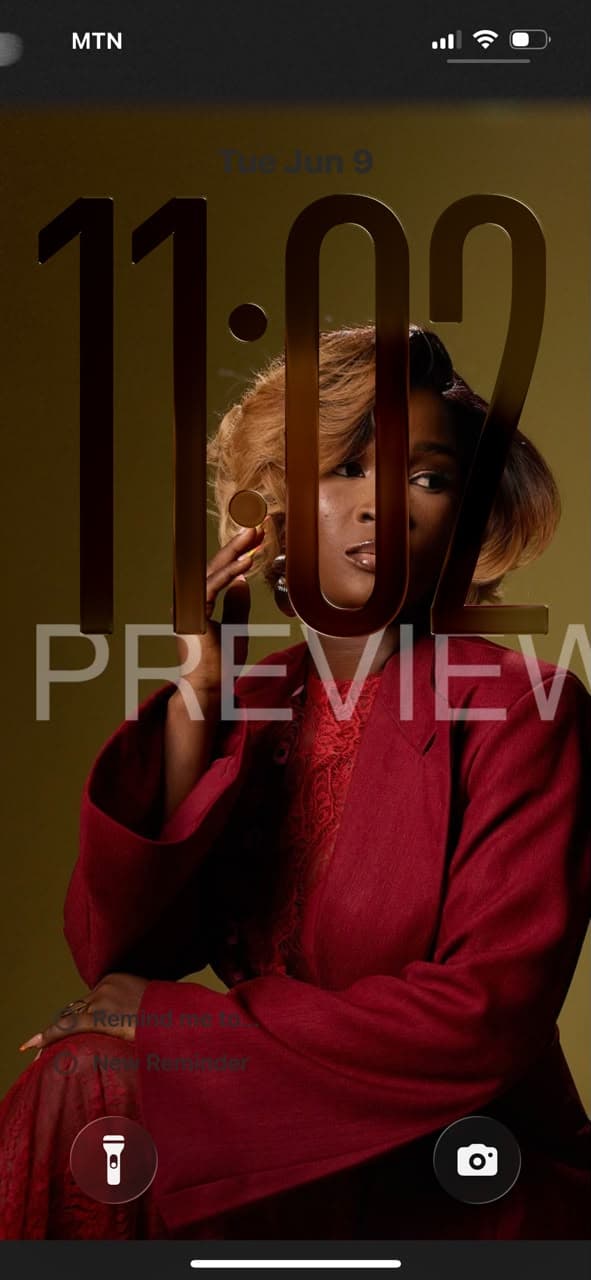
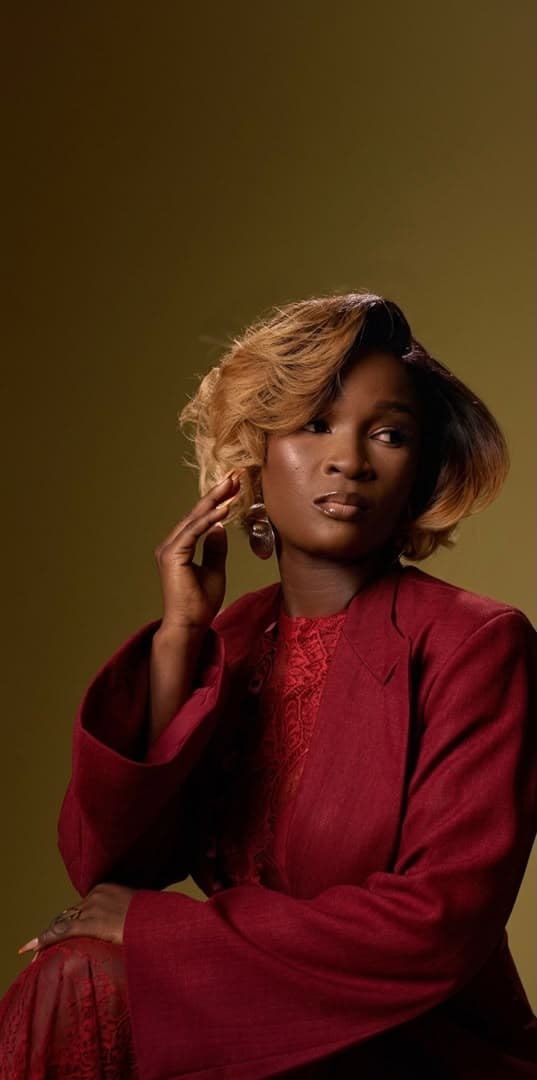
Keep the image as is and only remove the logos and text overlays on the image. Keep the image clean…
Prompt Bank
Three layout options for the Prompt Bank assignment. Each card shows a prompt excerpt with read more, and copies the full prompt when you click Copy prompt.
Both images stacked in the same frame. Drag the handle to wipe between before and after. Best when the shots line up exactly.
Keep the image as is and only remove the logos and text overlays on the image. Keep the image clean…
One frame, two buttons. Tap Before or After to swap the image in place with a smooth fade. Great on phones.
Keep the image as is and only remove the logos and text overlays on the image. Keep the image clean…
Before and after next to each other with an arrow between them and a highlighted after image.
BeforeAfterKeep the image as is and only remove the logos and text overlays on the image. Keep the image clean…